
Restoring Your Subscription
Sometimes Apple disconnects your paid subscription with your Apple ID.
In that case pressing the Restore link in the bottom right of the app (shown in the image below) should restore your subscription. This button tells Apple to look for a subscription with your Apple ID and reconnect.
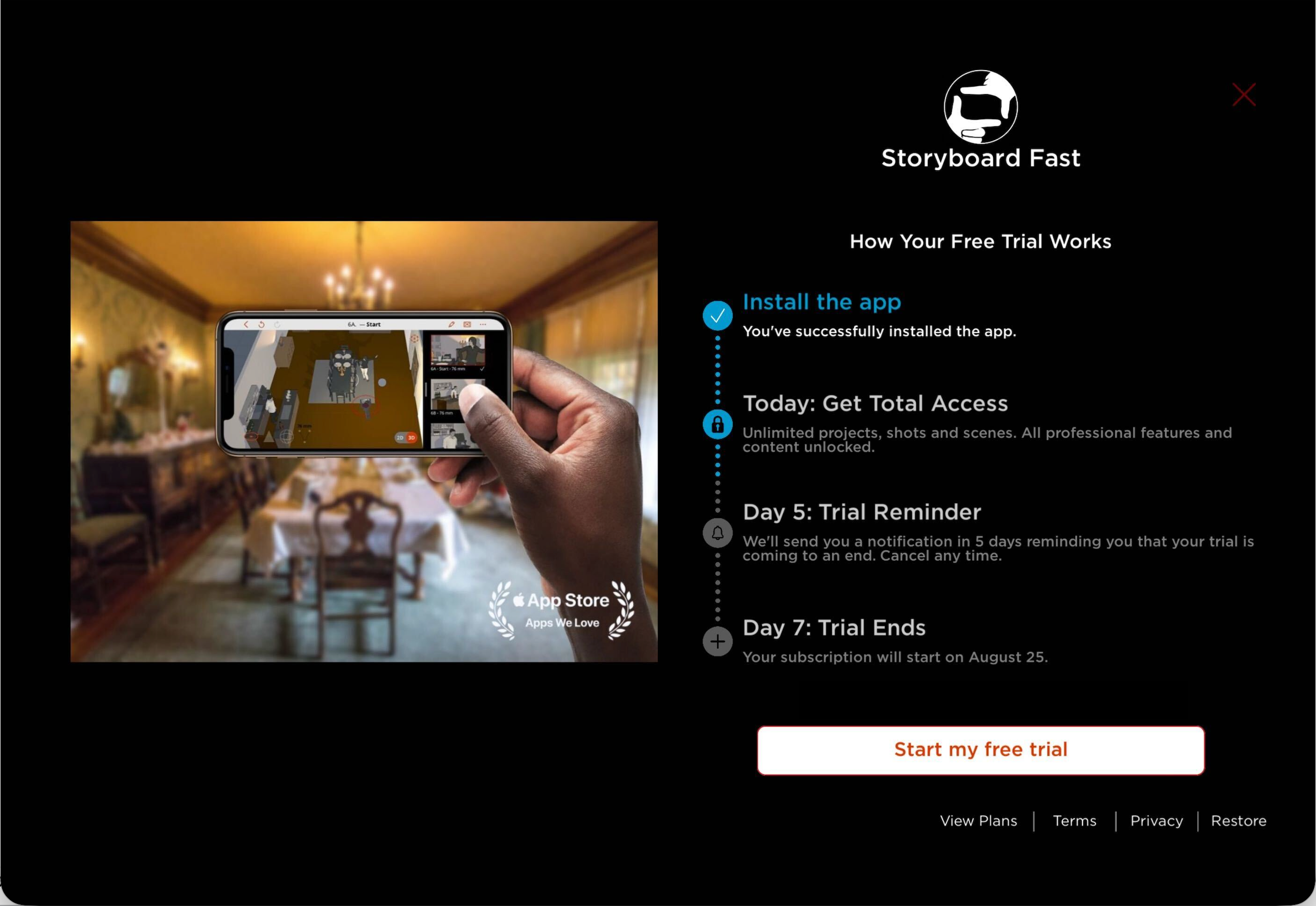
You can use Previs Pro on five (5) of your personal devices. However, they each must have the same Apple ID. Apple only recognizes your subscription with the Apple ID you used to purchase Previs Pro.
Please make sure your app is updated to the latest version. If you've update your app to the latest version and you pressed Restore, then Previs Pro should be working.
If pressing Restore doesn't work, please contact us at hello@previspro.com and we'll assist you.