
How do I make a character naked?
If the narrative calls for some nude characters, Previs Pro has a couple different solutions.
1. You could make their clothing match their skin tone.
If you're going to go this route, make sure to save a different version of the character to your cast so they don't end up naked in every scene. For example: JILL - CASUAL and JILL - NUDE
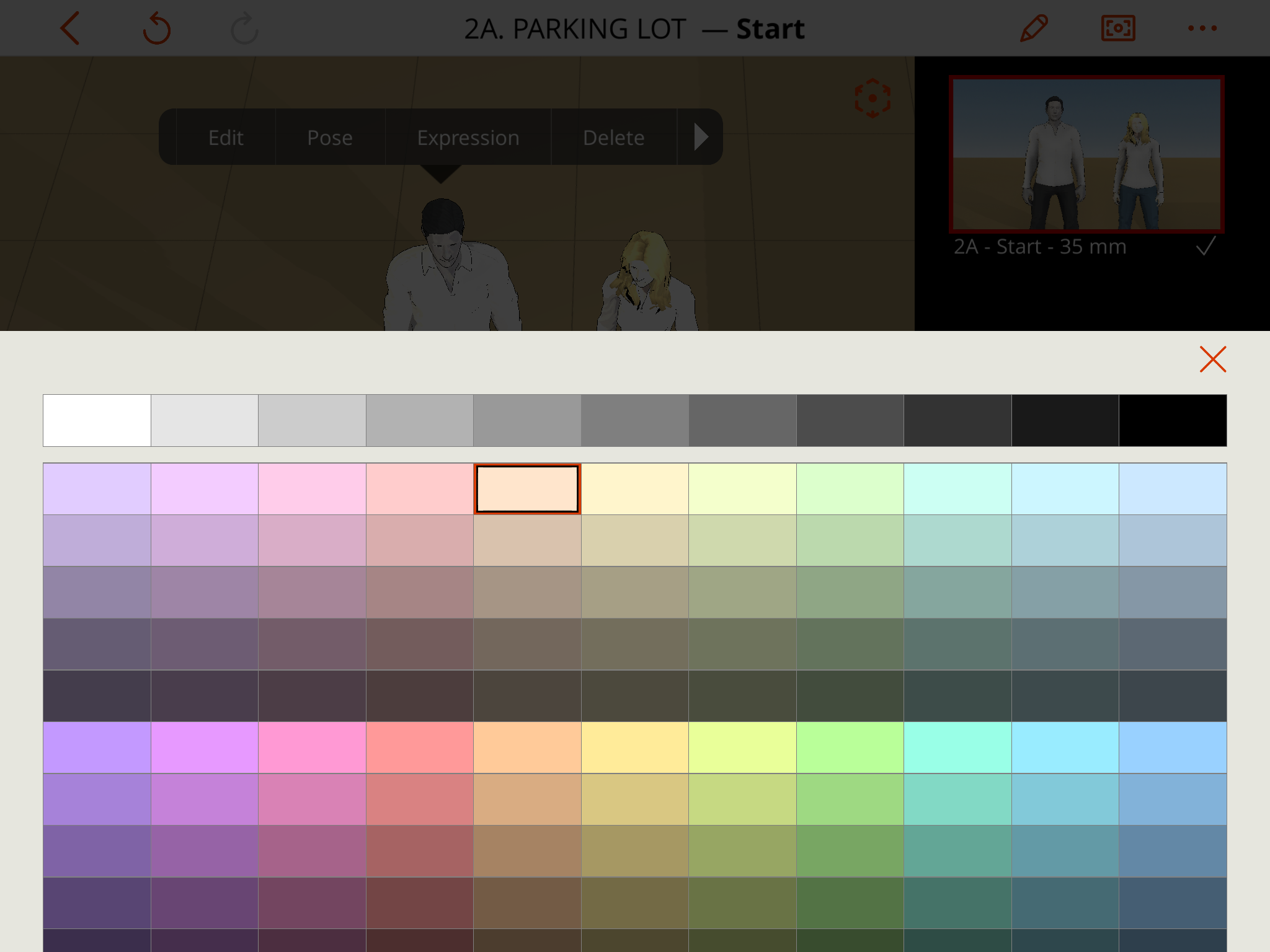
Note: there are more color options for 'Hair' and 'Skin' than 'Top' and 'Bottom'. Choose a skin tone closest to your character's from what's available in 'Top' and 'Bottom'. The 'Skin', 'Top', and 'Bottom' should all be the same color.
For these two characters, they started like this:
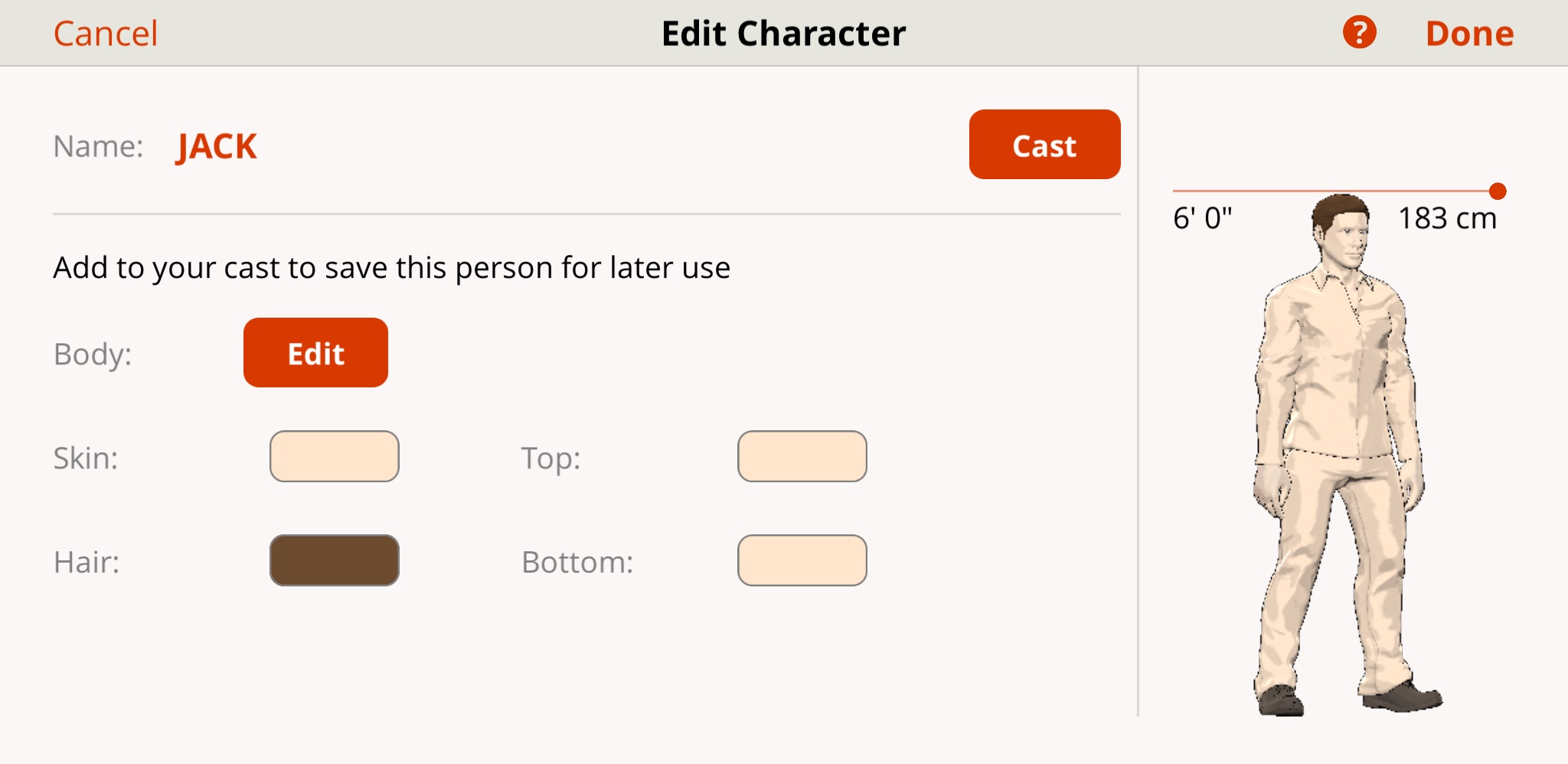
 For Jack, I decided to go with a very light peach color.
 He ended up looking like this:
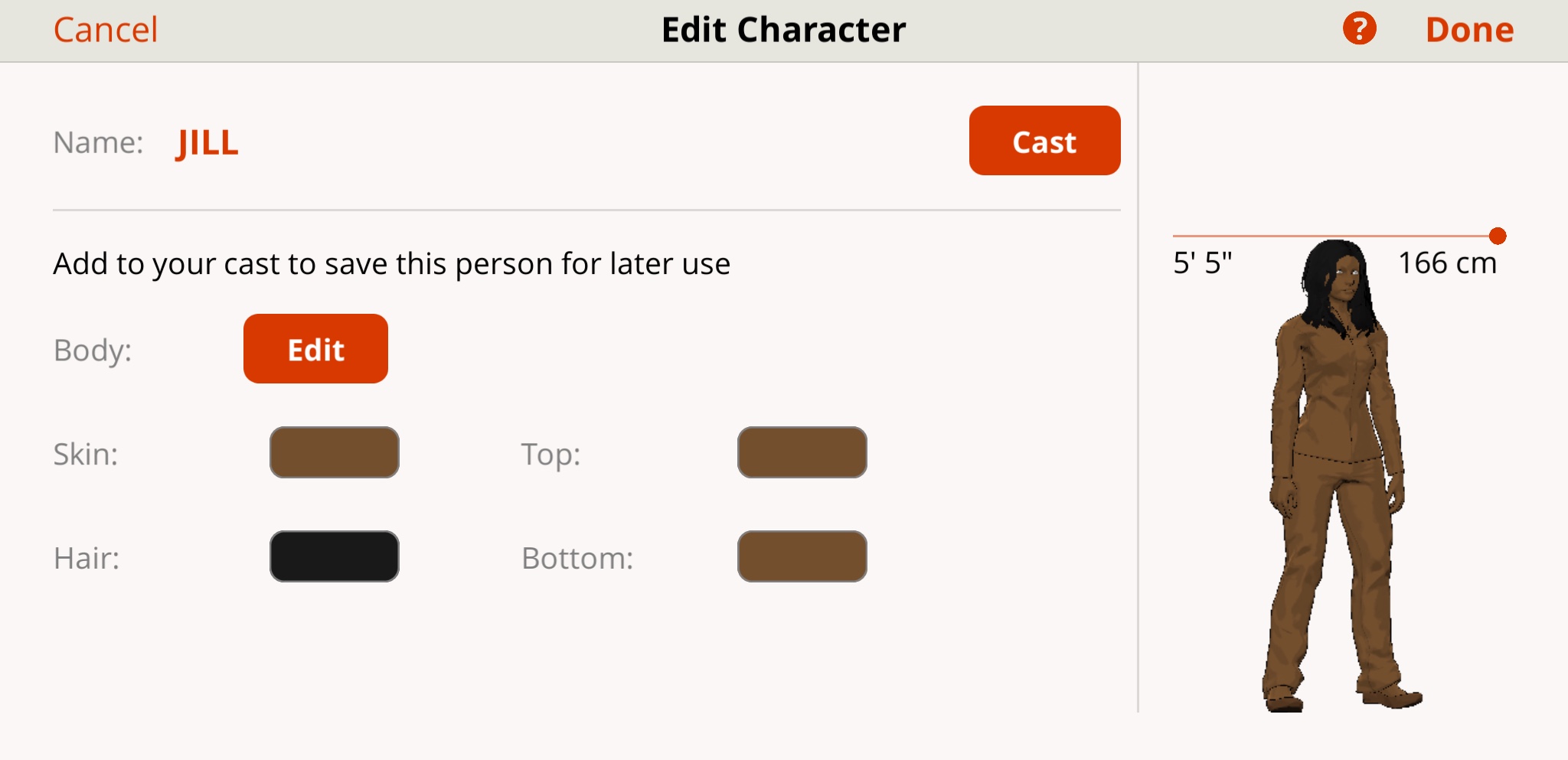
For, Jill, to represent a darker skin tone, I used a dark orange on the color spectrum. She ended up looking like this:
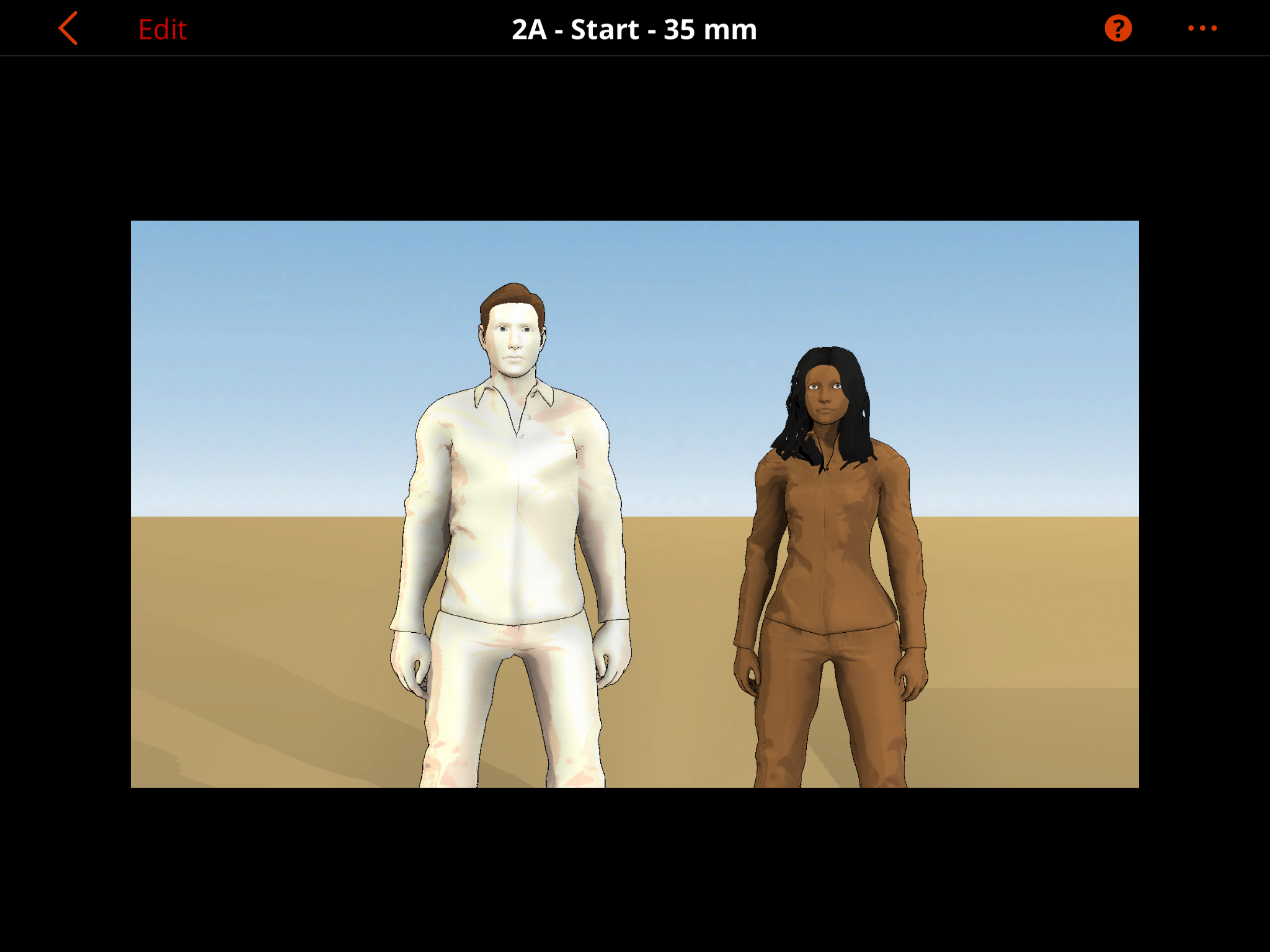
 Together, in their birthday suits:
2. If the first solution isn't suitable for your project, you could consider uploading an image from the internet.